目前市面上的應用程式, 很常使用社群帳號 (Google, Facebook, LINE, …) 授權獲取或更改資訊. 遊戲應用程式當然也會, 不僅能結合真實世界中的社群遊玩, 也讓玩家更方便玩遊戲不用一直新的記帳號密碼, 甚至還能結合金流, 功能越來越完善.
對跨平台開發引擎的 Unity 而言, 也常用到 Google Play, Apple 登入, 現在還有遊戲活動相關的功能 (排行榜, 成就, 關卡事件).
在上篇中, 我們透過 GCP 專案建立了 OAuth 用戶端授權憑證, 也將憑證添加到 Play 遊戲服務連結中. 接下來, 我們需要讓 Android 應用程式能夠使用 Play 遊戲服務的相關功能.
匯入 Play 插件到 Unity 專案中
下載開源專案, 匯入 current-build 目錄下的 unitypackage.
~當下使用的版本~
Unity 版本: 2019.2.14f1
PlayPlugin 版本: 0.10.11
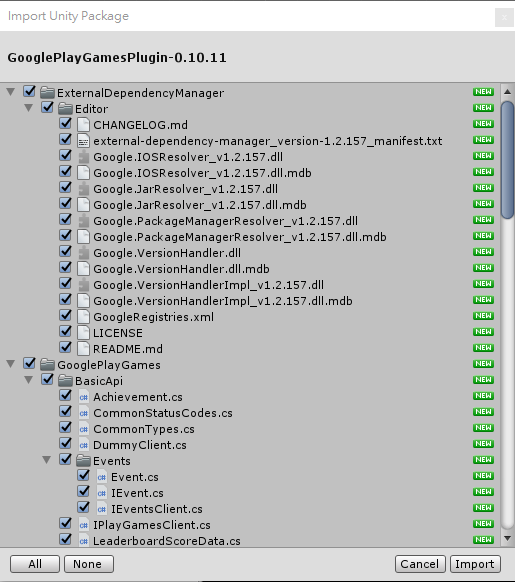
匯入完成後會有視窗詢問是否允許自動解析並關聯 Android 的相依套件 (Android SDK, Jave SDK, …).
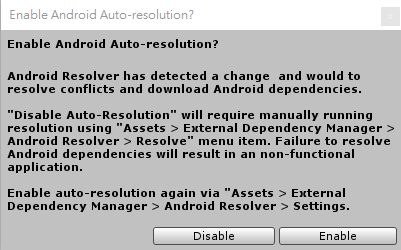
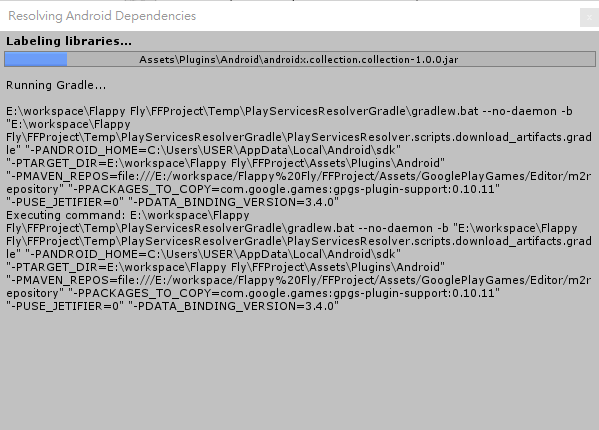
選擇 Enable 後, 解析程序就會運行了. 之後只要異動 Android build 相關設定 (更改 Android SDK 路徑, 目標 API Level, …) 就是觸發自動解析程序.
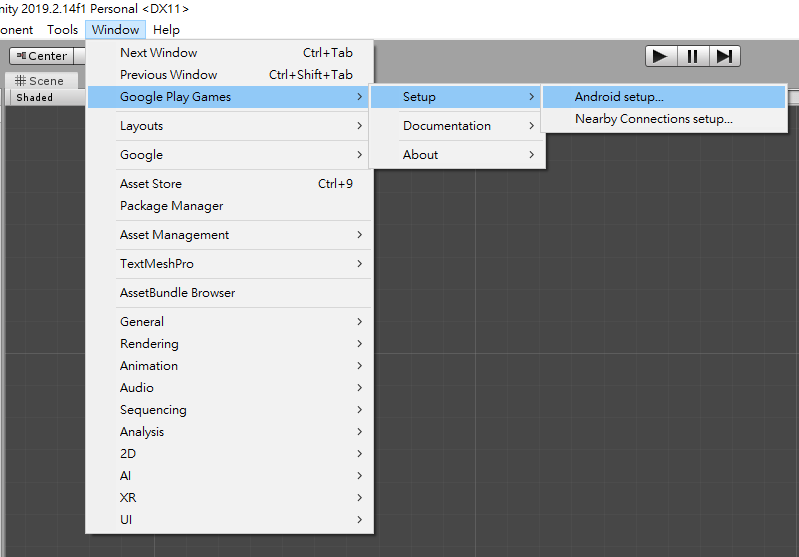
設定 Play 插件參數
上方工具欄 Window > Google Play Games > Setup > Android setup…
複製貼上上篇獲得的 Android 資源字串 (XML 字串) 與 Web 應用程式 OAuth 用戶端 ID.
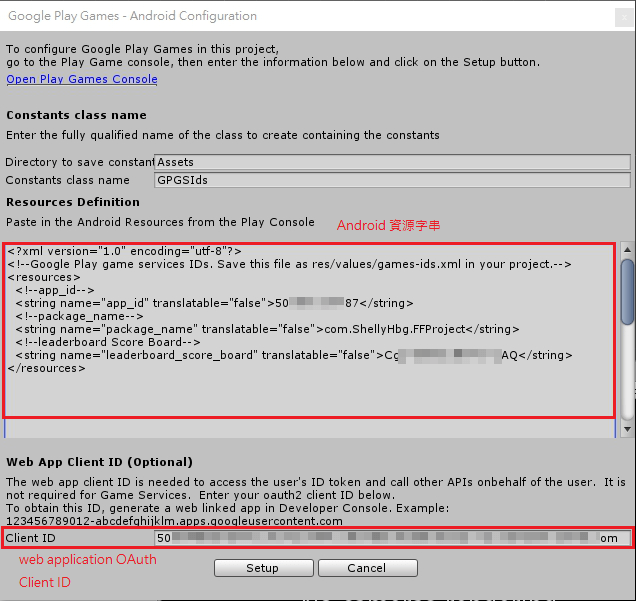
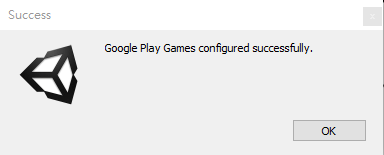
Setup! 看到 Success 視窗表示設置成功了.
包版成 APK 的過程就不贅述了…
範例程式碼
網路上有許多大大分享範例程式碼, 借用 Gipsyz 大大的程式碼稍微修改下…
建立 GooglePlayLeaderboard 類別, 並實作 Singleton 模式, 場景中只會有一個 GameObject 物件且附加 GooglePlayLeaderboard Component.
分別實作初始化, 登入, 更新排行榜分數, 以及顯示排行榜的功能.
public class GooglePlayLeaderboard : MonoBehaviour
{
    public static GooglePlayLeaderboard Instance
    {
        get
        {
            if (_instance == null)
            {
                GameObject go = new GameObject();
                _instance = go.AddComponent();
                DontDestroyOnLoad(go);
            }
            return _instance;
        }
    }

    private static GooglePlayLeaderboard _instance;
    private const string s_score_board = "CgkI88WCvtsOEAIQAQ";

    private bool _isLogIn;

    public void Initialize()
    {
        PlayGamesClientConfiguration config = new PlayGamesClientConfiguration.Builder()
            .RequestIdToken()
            .Build();
        PlayGamesPlatform.InitializeInstance(config);
        PlayGamesPlatform.DebugLogEnabled = true;
        PlayGamesPlatform.Activate();
    }

    public void SignIn()
    {
        Social.localUser.Authenticate((bool success) =>
        {
            if (success)
            {
                _isLogIn = true;
            }
            else
            {
                _isLogIn = false;
            }
        });
    }

    public void ReportScore(long score)
    {
        try
        {
            Social.ReportScore(score, s_score_board, (bool success) =>
            {

            });
        }
        catch
        {

        }
    }

    public void ShowAllLeaderboard()
    {
        if (!_isLogIn)
        {
            return;
        }
        Social.ShowLeaderboardUI();
    }

    public void ShowScoreLeaderboard()
    {
        if (!_isLogIn)
        {
            return;
        }
        PlayGamesPlatform.Instance.ShowLeaderboardUI(s_score_board);
    }
}
使用方式, 先在應用程式進入點 Main 類別裡初始化與登入 Google 帳號.
GooglePlayLeaderboard.Instance.Initialize();
GooglePlayLeaderboard.Instance.SignIn();
並於分數結算時更新排行榜分數.
GooglePlayLeaderboard.Instance.ReportScore(score);
GooglePlayLeaderboard.Instance.ShowScoreLeaderboard();
運行測試
Play 遊戲服務初始化時跳出授權同意畫面, 告知使用將授權哪些內容給第三方應用程式.
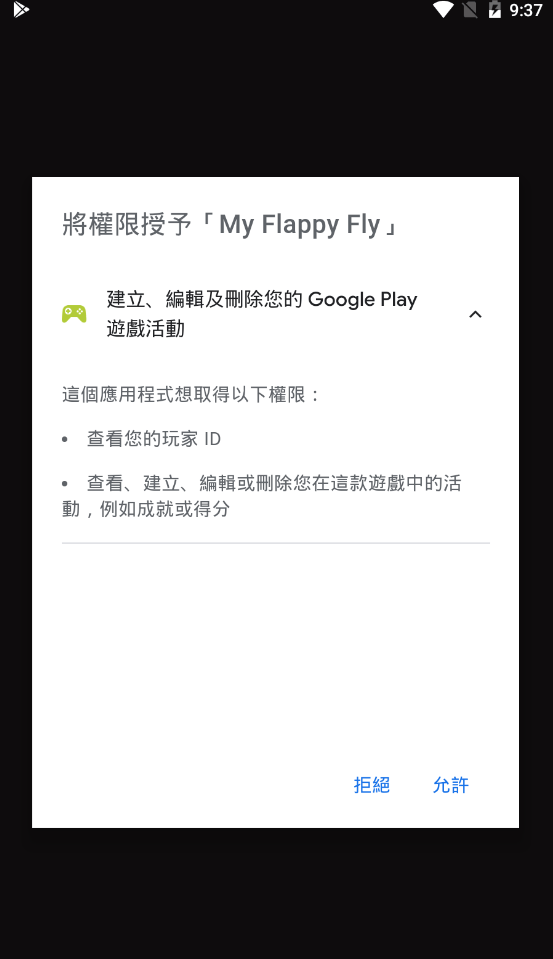
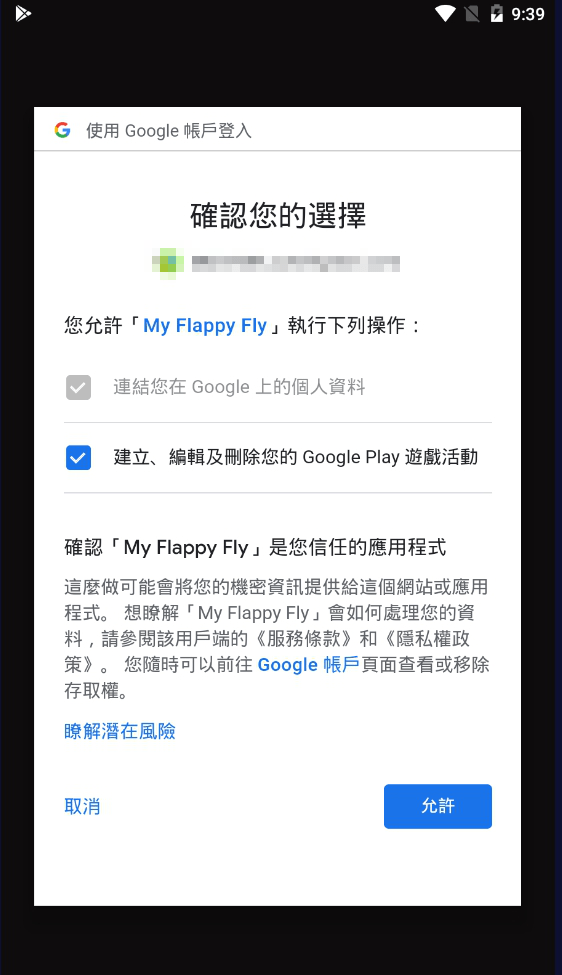
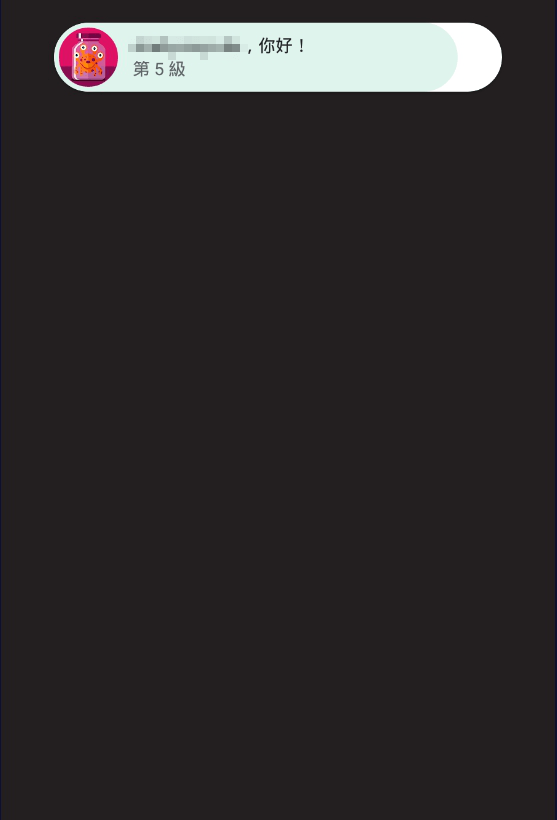
允許後, 接著Google 帳號登入成功.
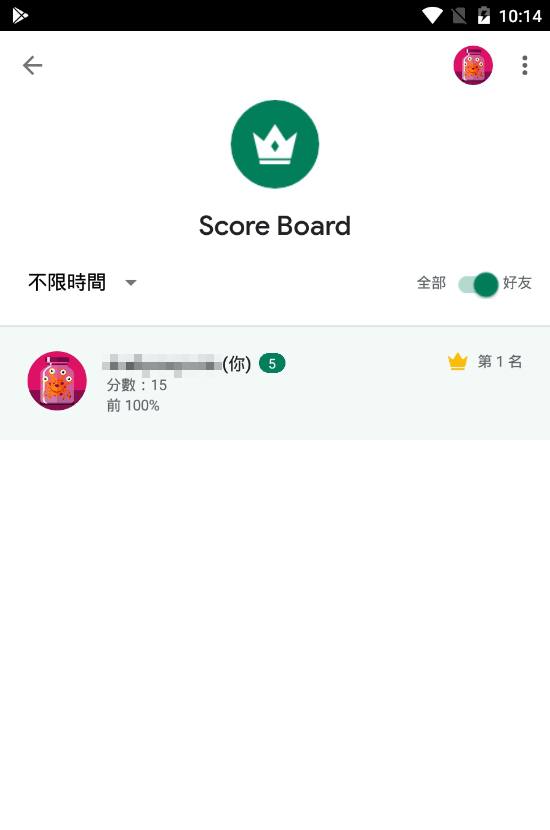
提交並顯示排行榜.
總結
Unity 鑲嵌 Android 平台的 Play 遊戲服務的流水帳 (1) (2) (3) 告一段落, 現在還只是測試階段, 到正式上線發布應該還有些設定要調整, 那時再來補完~
同系列文章:
希望能幫到更多在這議題上困擾的人, 如有任何疑慮錯誤, 也歡迎在下方留言~
 XunyiHuang - A Game Developer
在〈Unity 嵌入 Google Play 遊戲服務 (3)〉中有 2 則留言